

Friday, April 17, 2009
How to create a profitable business
Great presentation from David Heinemeier at Startup School 08 about how to create a profitable business without dying in the attempt:

A few simple but useful Eclipse tips
Eclipse is the most popular Java IDE in use by developers, and there are many of them spending hours and hours in front of it everyday trying to solve issues, create new functionalities and such, here goes a couple of simple but very useful tips to make those hours more productive:
- Use
"Ctrl + Page Up / Down"to walk between opened editor tabs. - Try "Alt
+ Left / Right"to go backwards and forwards in your editing history. - Finnally use
"Ctrl + F6" to cycle through opened files.
Saturday, April 4, 2009
KDE 4.2 updagrade & install
After installing KDE 4 a couple of months ago I wrote a post about how many flaws were released with that version, it took me a month or so to get used to the bugs that came with the upgrade, probably the worse one was that some tray icons, like the Wifi manager or Amarok, were not being docked at all and they were just behaving as a separate program.
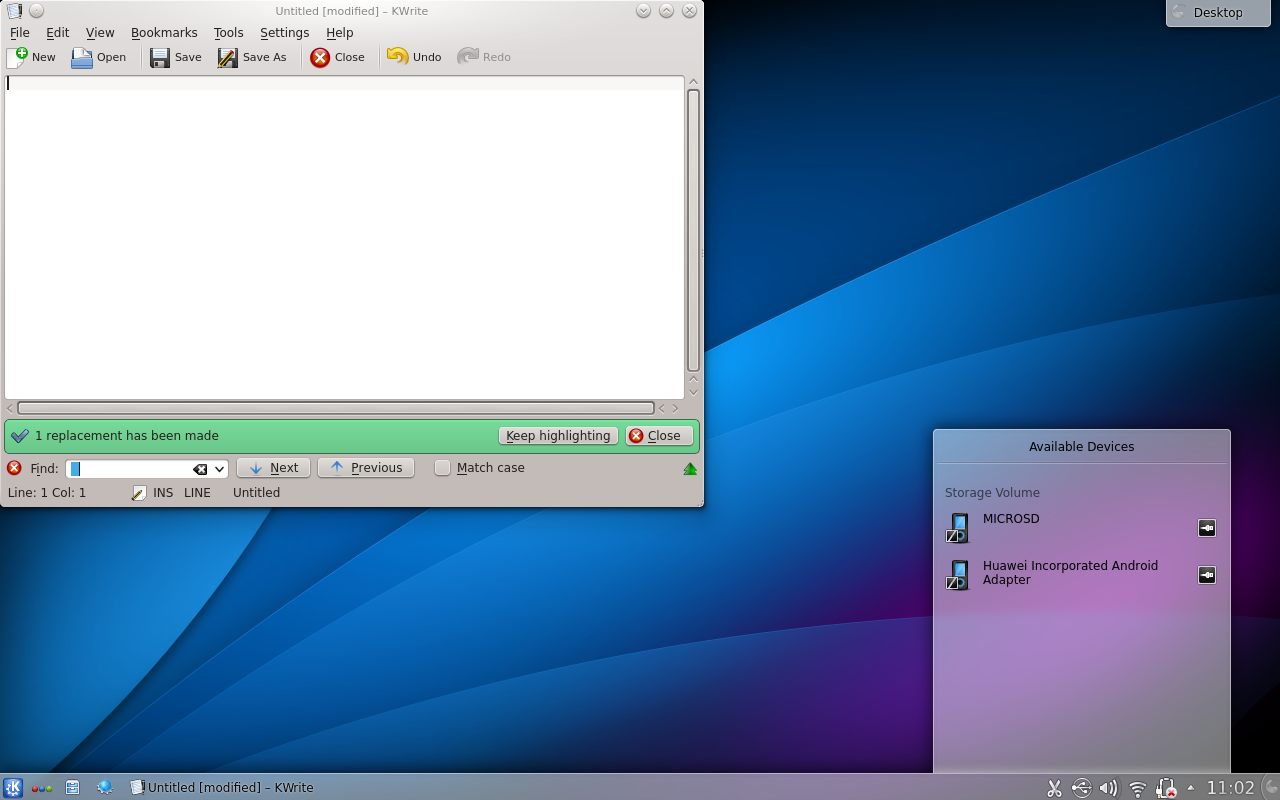
Finally in April KDE officially released version 4.2.2, a more stable version including bug fixes and performance enhancement worth trying.
First step was to try the KDE upgrade instructions available on this site. After rebooting KDE wasn't working anymore and the only available option was Gnome, it took me a while to understand what went wrong but after checking a couple of forums and googling for a while I made it work by doing this:
-Using Synaptic, add "deb http://ppa.launchpad.net/kubuntu-experimental/ubuntu intrepid main" at the "Third-Party Software" list. Enable this one and disable all the others in the list.
-Go to the "Updates" tab and tick on the option "Unsupported updates (intrepid-backports)"
-Close the "Software Sources" panel and reload the packages list.
-Find and install "kubuntu-desktop" from the packages list.
After this you'll be able to follow the normal installation process and the KDE 4.2 desktop will be available after reboot.
Enjoy ;)
Monday, March 23, 2009
Pimping Eclipse Ganymede

Today I decided to try the new Eclipse Ganymede (3.4), but honestly after setting up Eclipse with all the plugins that I am used to have at hand right away, upgrading it to a new version doesn't seem so appealing to me, on the other hand, I'm open to new functionalities and enhancements and I was curious about javaFX (it requires the new Eclipse) and its possibilities to use the same code for a RIA in a browser, mobile or desktop, so this was enough for me.
As usual downloading and installing Eclipse couldn't be easier, so after doing it I started thinking about my favorite plugins and noticed how it is always a problem for me to remember them , so it seemed useful to create this list and share it with the world.
Eclemma: is a Java code coverage tool for Eclipse that allows the user to adopt EMMA's philosophy in an easier and more graphical way.
Update site: http://update.eclemma.org/
Jar Class finder: allows the user to find Java classes and solve NoClassDefFound exceptions, specially useful while searching for a class inside a group of jars.
Download site: http://www.alphaworks.ibm.com/tech/jarclassfinder/download
DBviewer: this plugin lets you view the database structure (schema/tables/column), execute queries and includes content assistant, among other features.
Download site: http://sourceforge.jp/projects/dbviewer/releases/
Subclipse: an open source plugin to provide support for Subversion inside Eclipse. A great asset for Linux users since there is no equivalent to Tortoise yet.
Update site: http://subclipse.tigris.org/update_1.6.x
m2eclipse: is the Maven integration for Eclipse, takes care of the dependency management and automatic download, plus launching Maven builds.
Update site: http://m2eclipse.sonatype.org/update/
Origo Mylin connector: if you are working on a task-focused project using Mylin, this connector will let you use Origo as the open/closed source hosting site.
Update site: http://download.origo.ethz.ch/mylyn/update-site-2.0.0/
Saturday, March 21, 2009
Joomla 1.5
 This weekend I had the time to play for a while with the new version of the award winning content management system (CMS) Joomla 1.5. It was the first time ever I used this app, so I tried the installation wizard available at the hosting company's server and the first step was painless and quick.
After checking Joomla's site I noticed that the project is very well documented and found out in a few minutes how to use the basic features. This CMS seems to take away some of the common headaches for website developers with the variety of solutions that includes, since it's an open source application based on modules and plugins developed by a big community that is backing up the project.
I created categories, sections, menu items and a couple of articles, disabled some unnecessary modules and activated some others, then I started googling for some more components and extensions and ended up amazed with the huge amount of products available.
Fireboard was the first thing in my list, once again the installation was very easy, probably the only trick is to enable "System - Legacy" at the plugin manager, and just like that I had a complete forum ready to use.
The second component installation wasn't as easy as with Fireboard, after reading why an SEO was important for my site, I decided to try sh404SEF. Seems logical to install it in case you want to improve the possibilities for people to find your site by making the urls search engine friendly, in the end sh404SEF will replace the default Joomla urls that look like this:
http://www.yourdomain.com/joomla/index.php?option=com_content&view=category&layout=blog&id=34&Itemid=55
for something understandable for the search engine like:
http://www.yourdomain.com/why-seo-matters.html
It seems that a common error after the installation is to access the main page of your site www.yourdomain.com and get an access error, you can solve this pretty easily by creating an index.html file at yourdomainfolder/httpdocs/index.html redirecting people to www.yourdomain.com/joomla/index.php like this:
<meta equiv="REFRESH" content="0; url=http://www.yourdomain.com/joomla/index.php" >
After installing and setting up these plugins the options to create a professional site in a few days are huge an easy, you can check for more extensions here and knock yourself out.
JavaFX 1.1 on Linux using Netbeans 6.5 or Eclipse 3.4

If you are looking forward to try javaFX and you are a Linux user, probably you already know that the released versions are for Windows and Mac, fortunately there are already some hacks available to make the Mac version work on Linux. Not all the features are available and we'll still have to wait till Sun releases the official version, but in the mean time you can give it a try in Netbeans this way.
If while trying to install the linux sdk .nbm file in Netbeans, you get the following error "Some plugins require capability javafx.sdk.v1_1 No plugin providing the capability javafx.sdk.v1_1 could be found", check the content of the file org-netbeans-modules-javafx-sdk-lin.nbm (using unzip -l), probably the zip process failed and some files are missing.
To use it in Eclipse, first download and install the plugin here using the update site. Then unzip the file org-netbeans-modules-javafx-sdk-lin.nbm used previously for the Netbeans installation. Inside you will find the follwing folder "netbeans/javafx-sdk/", move the folder to your preffered location. Now in Eclipse edit the new classpath variable JAVAFX_HOME in Eclipse at Preferences -> Java -> Build Path -> Classpath Variables by pointing to the javafx-sdk location.
That's it, now you can use javaFX 1.1 in both of your IDEs, as I told you before, is not a complete version but it's a good way to start working on it until the new version is released.
If while trying to install the linux sdk .nbm file in Netbeans, you get the following error "Some plugins require capability javafx.sdk.v1_1 No plugin providing the capability javafx.sdk.v1_1 could be found", check the content of the file org-netbeans-modules-javafx-sdk-lin.nbm (using unzip -l), probably the zip process failed and some files are missing.
To use it in Eclipse, first download and install the plugin here using the update site. Then unzip the file org-netbeans-modules-javafx-sdk-lin.nbm used previously for the Netbeans installation. Inside you will find the follwing folder "netbeans/javafx-sdk/", move the folder to your preffered location. Now in Eclipse edit the new classpath variable JAVAFX_HOME in Eclipse at Preferences -> Java -> Build Path -> Classpath Variables by pointing to the javafx-sdk location.
That's it, now you can use javaFX 1.1 in both of your IDEs, as I told you before, is not a complete version but it's a good way to start working on it until the new version is released.
Saturday, February 21, 2009
Basic software development principles
 There are basic principles that every software developer follows in our profession everyday, some of them are known by the whole community and they seem to be pretty obvious by some people but still I think is a good idea to spread the word about what's right and what's not, so take a look at this link to an infoq presentation by Robert C. Martin (Uncle Bob) recorded at JAOO on Septemer 2007.
Here is a summary of the principles described on the presentation, I think they should be printed and posted on the wall at every developer's team room, even if it's a group of senior developer's this list is a nice reminder of the basic rules to follow on any project and with a little bit of work they can even be exported and implemented on different areas far away from IT:
- Short iterations
- Don't wait for definition
- Abstract away volatility
- Decouple from others
- Comission > Omission
- Never be blocked
- Avoid turgid viscous architectures
- Incremental improvement
- No grand redesign
- Progressive widening
- Progressive deepening
- Don't write bad code
- Clean code
- TDD
- QA should find nothing
- 100% code coverage
- Avoid debugging
- Manual test scripts are immoral
- Definition of done
- Test through right interface
- Apprenticeship

